
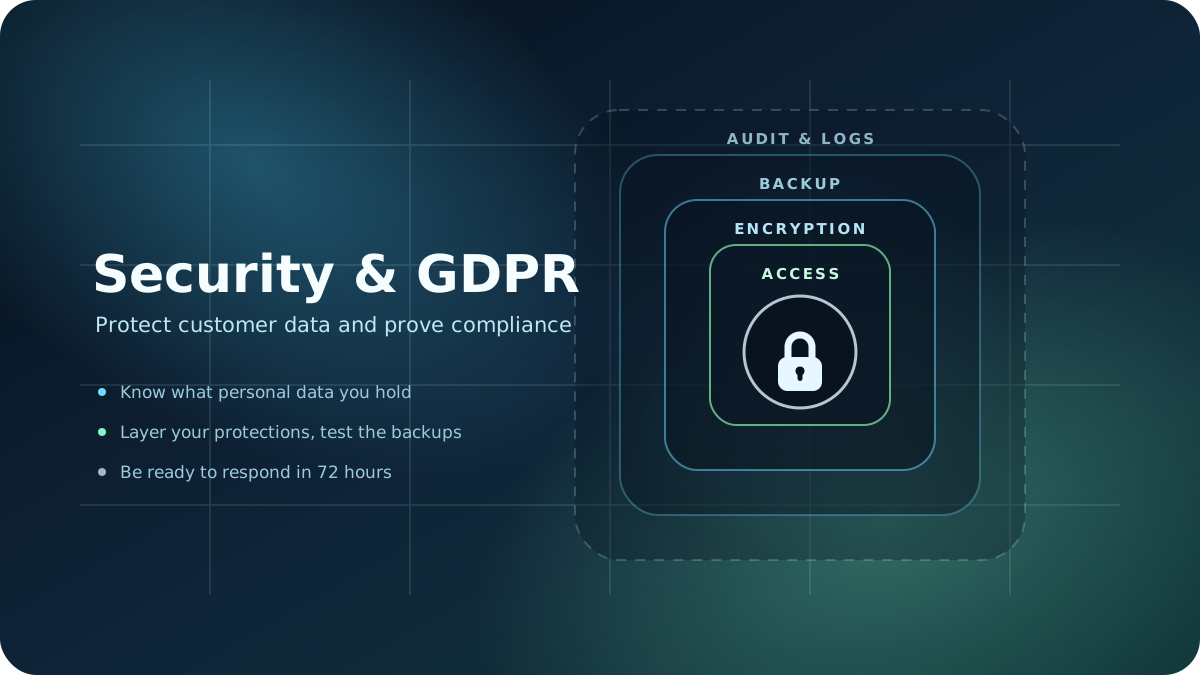
Most web applications are not breached through a spectacular attack. They are breached through a reused password, an API key left in the code, a backup nobody ever tested, or an administrator account that stayed active after a colleague left.
In parallel, many companies treat GDPR compliance as a cookie banner and a privacy policy copied from somewhere else. Both are visible, neither protects actual customer data.
Security and compliance are not the same thing, but they support each other. A secure application makes compliance far easier to demonstrate, and GDPR requirements force you to bring order exactly where you already had technical risk. This article is a technical and operational guide, not legal advice — for your specific situation, talk to a data protection specialist.
Security Is Not a Feature You Add at the End
A common mistake is treating security as a pre-launch stage: build the application, then "secure it." In practice, the most expensive problems come from architectural decisions made early on, not from settings forgotten at the end.
Real security means a set of questions repeated at every stage:
- What data you collect and why you need it
- Where the data ends up and who can see it
- What happens when someone makes a mistake or an external service goes down
- How you find out something happened, and how quickly
- How you return to a correct state after an incident
A well-built application is not one that can never be attacked. It is one where an incident stays contained, is detected quickly, and can be fixed without losing customer data.
What Personal Data You Actually Hold
The first concrete step is not technical. It is writing down what personal data flows through your application. Many companies only discover at that point that they are storing information they have never used.
| Data category | Typical example | Risk if leaked | How long you keep it |
|---|---|---|---|
| Identification | name, email, phone | Fraud, targeted phishing | For the duration of the business relationship |
| Authentication | passwords, tokens, sessions | Full account takeover | Rotated periodically, not permanent |
| Financial | invoices, IBAN, payment history | Fraud, contractual exposure | The legal retention period |
| Behavioral | logs, analytics, IP | Profiling, re-identification | Months, not years |
| Uploaded documents | CVs, contracts, official papers | Direct exposure of sensitive data | Only as long as the purpose requires |
The practical rule is simple: data you do not hold cannot be stolen. Before asking how to better protect a field, ask whether you need it at all.
1. Authentication and Access Control
Most breaches start with an account, not an exotic vulnerability. An administrator account without a second factor is, in practice, a single password standing between an attacker and all your data.
What you need:
- Passwords stored correctly: modern hashing (bcrypt, argon2), never plain text
- Two-factor authentication mandatory for administrative accounts
- Sessions with expiry, and the ability to invalidate a user's sessions
- Clear roles: every user gets the minimum rights they need
- Same-day deactivation when someone leaves the company
- Rate limiting on login attempts, against automated attacks
A useful audit you can run today: list every account with administrator rights in the application and in your vendors' dashboards. There are usually more than anyone remembers.
2. Protecting Data in Transit and at Rest
Data needs protection in three places: on the way between the user and the server, in the database, and in backups. Many teams only solve the first. Encryption at rest matters for the scenario where someone gains access to storage rather than to the application — an exposed backup, a disk volume, a forgotten export.
What you need:
- HTTPS everywhere, with automatic redirects and auto-renewed certificates
- Database-level or disk-level encryption for sensitive data
- Secrets in environment variables or a secrets manager, never in the repository
- Separation between environments: real data does not end up in testing
- Anonymization for datasets used in development and demos
If an API key ever made it into a commit, consider it compromised and rotate it. Repository history does not clean itself up.
3. Consent, Cookies and Forms
This is where most visible non-compliance sits, because it is also the easiest thing to check from the outside. A banner that loads tracking scripts before the user clicks anything is not consent, no matter how it looks.
Every collection of data needs a legal basis and a stated purpose. Consent is only one of those bases, and for performing a contract it is not even the right one.
What you need:
- Tracking scripts blocked by default, until an explicit user action
- Refusing as easy as accepting, with no hidden options
- Forms without unnecessary fields: do not ask for data you never use
- A privacy policy that describes reality, including your vendors
- A mechanism for user rights: access, rectification, erasure, portability
- A record of consent: when it was given and for what
The best test is to open your site in incognito mode and check which network requests fire before any click. The result is often surprising.
4. Backup, Recovery and Continuity
A backup that has never been restored is an assumption, not a safeguard. Two questions define your entire strategy: how much data you can afford to lose, and how long you can afford to be down. The first sets your frequency, the second sets your restore speed.
What you need:
- Automated backups, at a frequency matched to your data volume
- Copies in a separate location from your main infrastructure
- Restores tested regularly, in an isolated environment
- A defined retention period, so personal data does not live forever in archives
- Encrypted backups, because they often contain exactly the most sensitive data
- A written procedure someone other than the person who set it up can follow
Testing a restore once a quarter is enough for most companies, and it completely changes your level of confidence.
5. Logging, Audit and Incident Detection
Without logs, an incident is just a story. You cannot say what data was accessed, by whom, and over what period — exactly what you are asked for when you have to report. At the same time, many applications write into their logs the very data they are trying to protect.
What you need:
- Authentication logs: successful logins, failed attempts, password changes
- An audit trail for sensitive actions: who exported, deleted or modified data
- Alerts for abnormal patterns, not just dashboards nobody looks at
- No personal data in logs: no passwords, tokens or document contents
- Restricted access to logs, because they contain a map of activity inside the application
A useful logging setup answers one question: if an account were compromised tomorrow, could I reconstruct what it did?
Your Vendors Are Part of Your Compliance
Your application does not run on its own. Hosting, transactional email, payment processor, CRM, analytics, support — each of them processes your customers' data on your behalf, and the responsibility stays with you.
What you need:
- A complete list of services that touch personal data
- A data processing agreement (DPA) signed with every relevant vendor
- Clarity on where data is stored and on transfers outside the EU
- Internal rules for who can add a new tool that receives data
This list is also a security exercise: every integration is one more key that can be lost.
What You Do in the First 72 Hours After an Incident
Reporting a breach comes with a short deadline, and improvising at that moment is expensive. A procedure written in advance is the difference between a controlled response and panic.
- Isolate: cut off the compromised access, rotate the affected keys and passwords.
- Document: what happened, when, which systems and which categories of data are involved.
- Assess the impact on the people affected, not just on the infrastructure.
- Notify the competent authority within the legal deadline, if the risk requires it.
- Inform the affected individuals when the risk to them is high.
- Fix the cause, not just the symptom, and record the measures you took.
Prepare your contact list in advance, along with a communication channel that works even if the main system is unavailable.
Common Mistakes
Security problems rarely come from a lack of tools. They come from a lack of ownership and routine.
- Nobody owns security: it is everyone's responsibility, therefore no one's
- Dependencies left unpatched for months or years, because "it still works"
- The same credentials used in production and in testing
- Permanent access granted for a temporary intervention
- Backups with no restore test, and therefore no guarantee
- Production data copied onto laptops for "a quick check"
None of these require a sophisticated attacker to turn into a real incident.
A Realistic 90-Day Plan
You do not need a large project to fundamentally change the situation. You need the right order of steps.
First 30 days: inventory your personal data and vendors, list the accounts with administrator rights, enable two-factor authentication, and check what loads on the page before consent.
Days 31-60: move secrets out of the code, update dependencies, set up automated backups and run your first test restore, define roles and data retention.
Days 61-90: add audit logging and alerts, sign the missing processing agreements, write your incident response procedure, and schedule a quarterly review.
After these three stages, security becomes a maintained routine rather than a periodic emergency.
How ContByte Can Help
At ContByte we treat security as part of development, not as a separate service sold after delivery. We start from the application's real data, from the existing flows, and from the team that uses it every day.
We can help with:
- Security audits for existing web applications
- Implementing authentication, roles and access control
- Data architecture, encryption and retention strategies
- Setting up backups, monitoring and alerts
- Reviewing data collection flows and third-party integrations
- Ongoing maintenance, with regular updates and checks
The goal is for the application to stay secure long-term, not just to pass a one-off review.
Conclusion
Security and GDPR compliance are not a project that ends. They are a set of habits: you know what data you hold, you control who accesses it, you can recover after a problem, and you can demonstrate what you did.
Most companies do not need complex measures — they need the basic ones, applied consistently. A data inventory, serious authentication, properly managed secrets, and a tested backup solve more than any tool bought in a hurry after an incident.